Witcher 3 Controller Or Keyboard Which Control Scheme Fits Your Playstyle
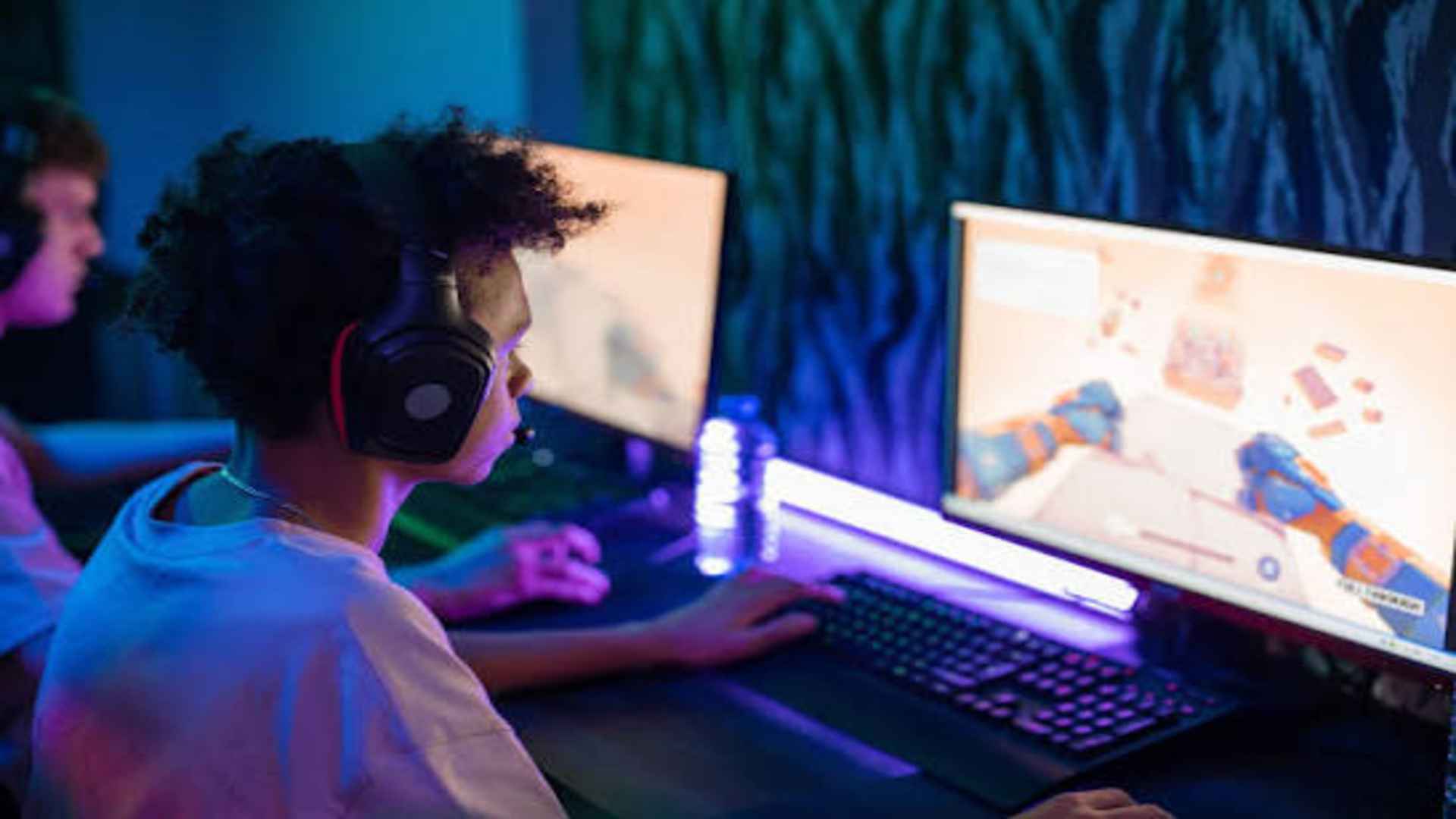
The Witcher 3: Wild Hunt offers a vast world filled with fast-paced swordplay, intricate magic casting, and deep inventory management. Choosing between a gamepad controller and a traditional keyboard setup significantly changes how you interact with Geralt's movement and combat mechanics. Deciding which control input fits your personal playstyle comes down to evaluating comfort, precision, and menu navigation speed.
Movement Dynamics and Combat Fluidity
Using a controller gives players 360-degree analog movement, which makes exploring the rugged landscapes of Velen and Skellige feel remarkably natural. Fluid movement helps immensely during third-person sword encounters where positioning and dodging are crucial for survival. The ergonomic design of modern gamepads also allows for relaxed, long-duration play sessions from a couch.
Keyboard and mouse inputs rely on eight-way WASD directional movement, which can feel somewhat rigid during casual exploration. However, camera movement with a mouse offers unmatched speed and responsiveness during intense combat encounters. Quickly flicking the camera to target flanking enemies provides a distinct tactical advantage during chaotic mob fights.
Sign Casting and Hotkey Accessibility
Executing Witcher Signs quickly is vital when switching between defensive Quen shields and offensive Igni blasts. Keyboards allow players to bind individual signs directly to dedicated number keys for instant single-tap casting. This setup eliminates the need to open radial menus in the heat of battle, keeping the action fast and uninterrupted.
Controllers rely on radial quick-access wheels or trigger combinations to alternate between active Sign abilities. While modern updates have streamlined fast Sign casting on gamepads, it still requires precise button coordination under pressure. Players who prefer a seamless combat flow without pauses often lean toward the efficiency of keyboard shortcuts.
Menu Navigation and Inventory Management
Managing potions, oils, crafting materials, and quest items is a major component of any Witcher playthrough. A mouse allows players to drag items, inspect stats, and navigate complex UI submenus with incredible precision and speed. Sorting through extensive alchemy ingredients becomes a brief task rather than a tedious chore.
Navigating dense menus with a controller D-pad can sometimes feel slow and repetitive when organizing large inventories. Scrolling through rows of armor pieces or reading books takes noticeably more effort using analog thumbsticks. For players who enjoy heavy crafting and constant inventory organization, mouse controls offer a superior user experience.
Final Verdict Based on Playstyle Preferences
If you prioritize immersive story progression, cinematic movement, and relaxed physical comfort, playing with a controller is the ideal choice. The tactile feedback and smooth character control complement the cinematic nature of the action-RPG genre. It turns long questing sessions into a comfortable, console-style experience on PC.
Conversely, gamers who value combat precision, instant spell hotkeys, and rapid menu sorting will benefit most from a keyboard and mouse. Having granular control over the camera and instant hotkey access enhances tactical gameplay on higher difficulty settings like Death March. Ultimately, both control schemes deliver excellent performance tailored to different gaming priorities.